An arrest has been made. The scene still needs managing, and the details need recording.
The arresting officer may still need to manage the scene, speak to the victim and arrange the transfer to custody. Recording key details as the situation develops can support the later handover and written account.
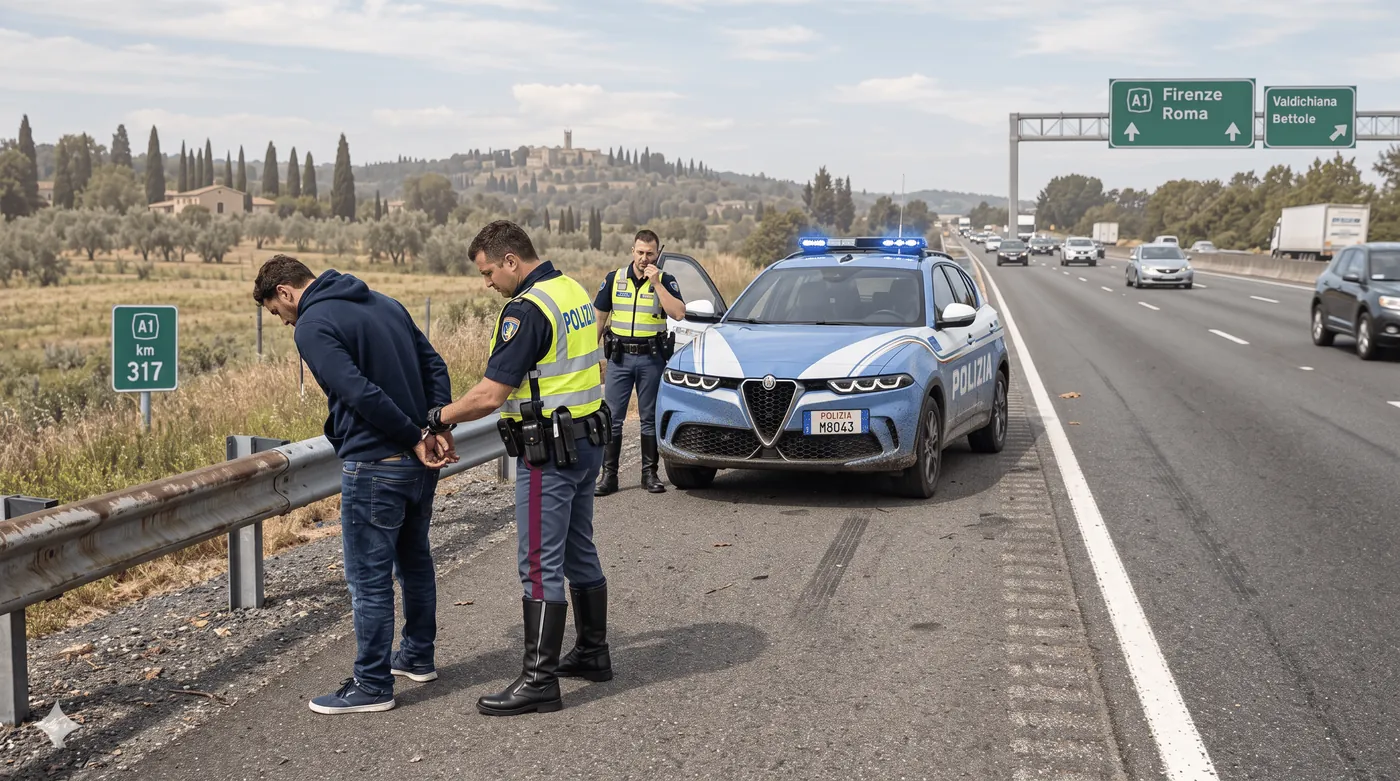
With FieldLog Pro
The officer creates an incident record while the arrested person is being searched. Location, date and time are recorded automatically.
Offence details. Suspect identity and description. Victim details. Vehicle if relevant. The officer records who the suspect is being transferred to and where he is being taken, before the transport vehicle has left the scene.
The incident record can be shared with a supervisor, the control room or custody staff. It provides an early view of who was arrested, the grounds, the location, the arresting officer and the intended destination. It supports, rather than replaces, the required radio messages, calls and handover conversations.
If the arresting officer remains at the scene, the victim’s account can be added as a separate entry alongside arrest details, photographs, visible injuries and relevant property or evidence. Each entry is timestamped and attributed.
This gives the team a chronological operational record to refer to when completing the handover and formal documentation.
What this means for the team
The arrest, transfer, victim account and scene updates can be kept together in one incident record. FieldLog Pro supports accurate handover and later reporting while officers remain responsible for the required checks, conversations and formal records.